How To Use WhatsApp on PC
Used by millions across the globe, WhatsApp Web is an insanely popular messaging app that’s owned and operated by Meta.
Although WhatsApp is primarily developed for Android and iOS smartphones, many users prefer using WhatsApp on their PC every once in a while.
Thanks to WhatsApp Web and the WhatsApp PC client, you can now use WhatsApp on your Windows 10 or Windows 11 Laptop or Desktop PC.
So here’s How To Download WhatsApp on PC
Download WhatsApp For PC
To download WhatsApp for PC, please follow these simple steps,
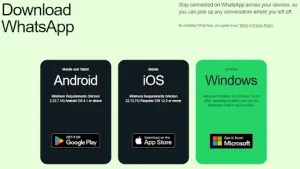
STEP 1: First, download the official WhatsApp app for PC. You can either visit the official WhatsApp website or directly download the app from the Microsoft Store
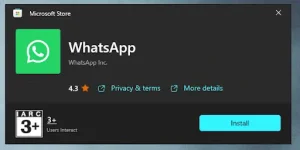
STEP 2: On the Microsoft Store WhatsApp page, press the Install button.
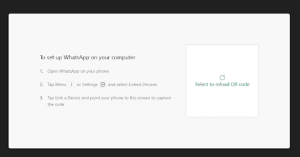
STEP 3: Next, open the WhatsApp PC Client and press the Get Started button. You can now scan the QR code to log in to your WhatsApp account.
And that’s pretty much it; you will now have a fully functioning WhatsApp application installed on your Windows PC.
Use WhatsApp Web On PC
You can use WhatsApp On PC. Since WhatsApp Web works on any web browser, there’s no need to download any app or software.
So here’s How To Download WhatsApp on PC
Post Comment